Lightweight OneNote Planner 2026-2027
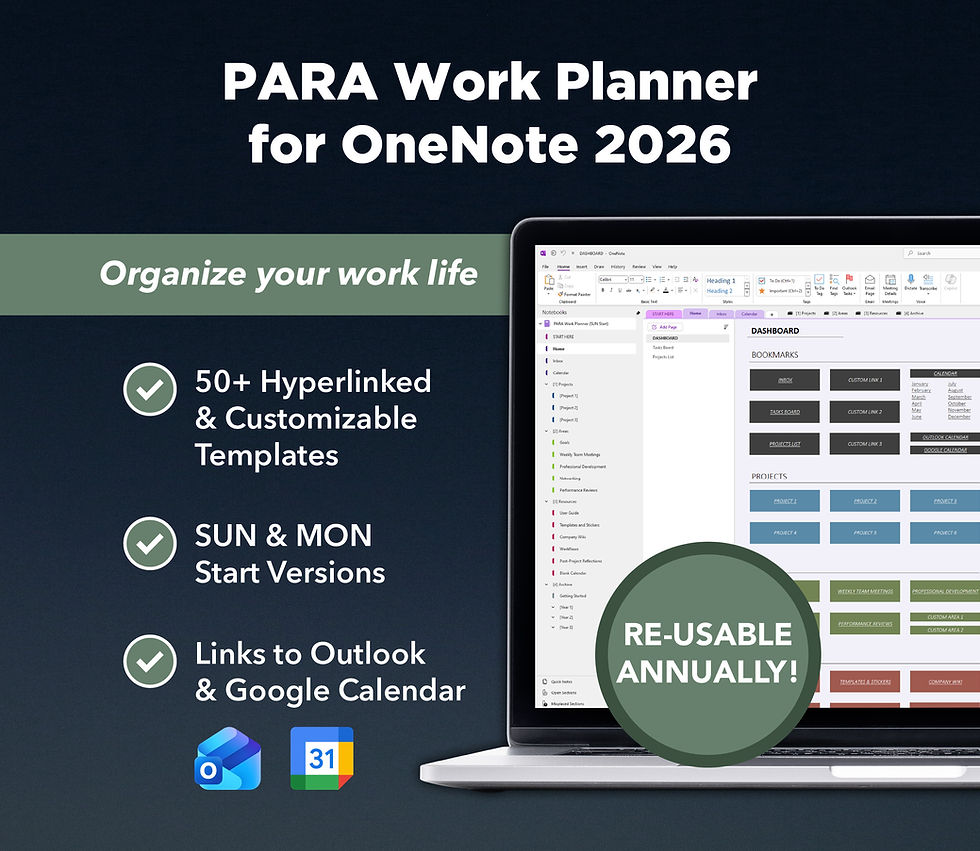
Introducing the Lightweight OneNote Planner 2026-2027: a hyperlinked and highly-customizable digital planner for OneNote dated from January 2026 to December 2027, providing you with the basics to get started with digital planning while still allowing you to fully customize your planner to suit your needs.
NOTE: If you want to import your planner to a work or school Microsoft account using MacOS or OneNote for Windows 10, workarounds are available here.
✨ FEATURES
Hyperlinked calendar layouts for daily, weekly, monthly, and yearly planning (Sunday start only)
Fully customizable & unlimited number of pages & sections
Shortcuts to your Google & Outlook Calendar (personal or work/school accounts)
Seamless synchronization across all your devices with the OneNote app installed: Windows computer, Android tablet/phone, iPad, Macs, iPhones
200+ PNG digital stickers
⬇️ DIGITAL DOWNLOAD CONTENTS
1 x OneNote planner with links/buttons that redirect to a personal Outlook Calendar & any Google Calendar
1 x OneNote planner with links/buttons that redirect to a work/school Outlook Calendar & any Google Calendar
PNG stickers useable for any digital documents, planners, etc.
Detailed PDF guide showing you how to import this planner