Project Management OneNote Planner (Undated)
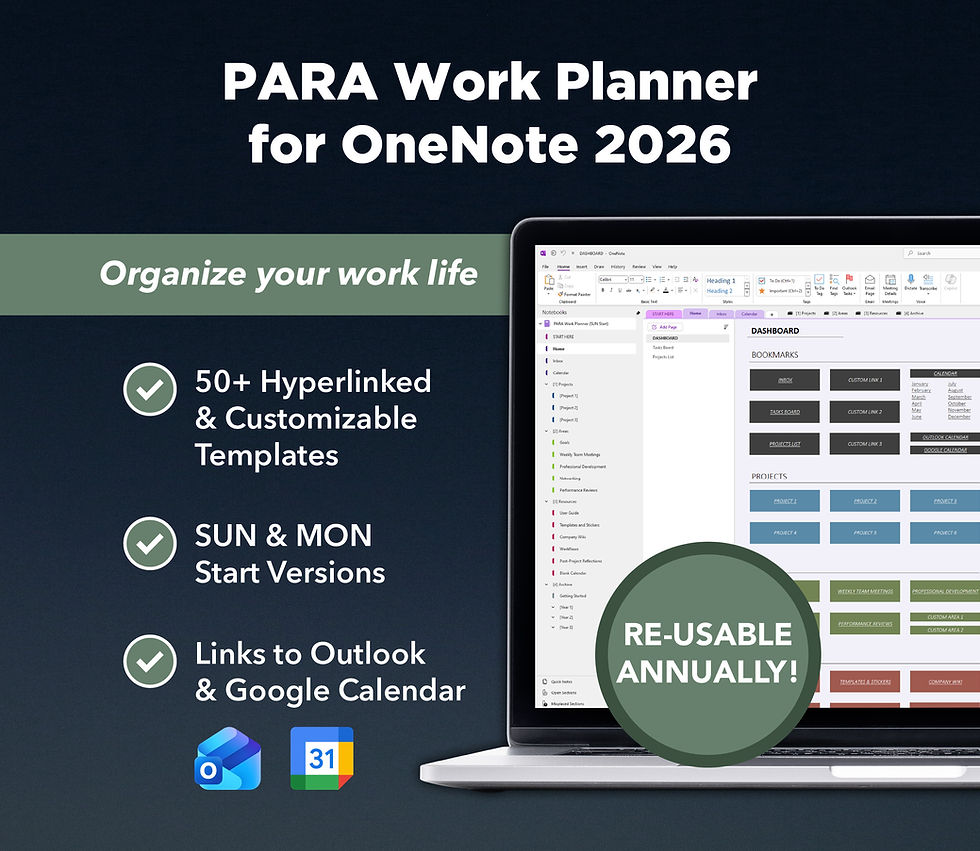
Introducing the Project Management OneNote Planner for Professionals (Undated): a detailed, fully-customizable planner for OneNote with over 30 different templates to help you manage your projects. It includes undated calendar pages with Sunday or Monday start versions, allowing you to re-use this planner year after year. Whether you're a professional working in a team or a project manager leading your own team, this planner is perfect to boost team productivity and collaboration.
NOTE: If you want to import your planner to a work or school Microsoft account using MacOS or OneNote for Windows 10, workarounds are available here.
✨ FEATURES
30+ templates for project management, goal setting, brainstorming, project analysis, meeting minutes, and more
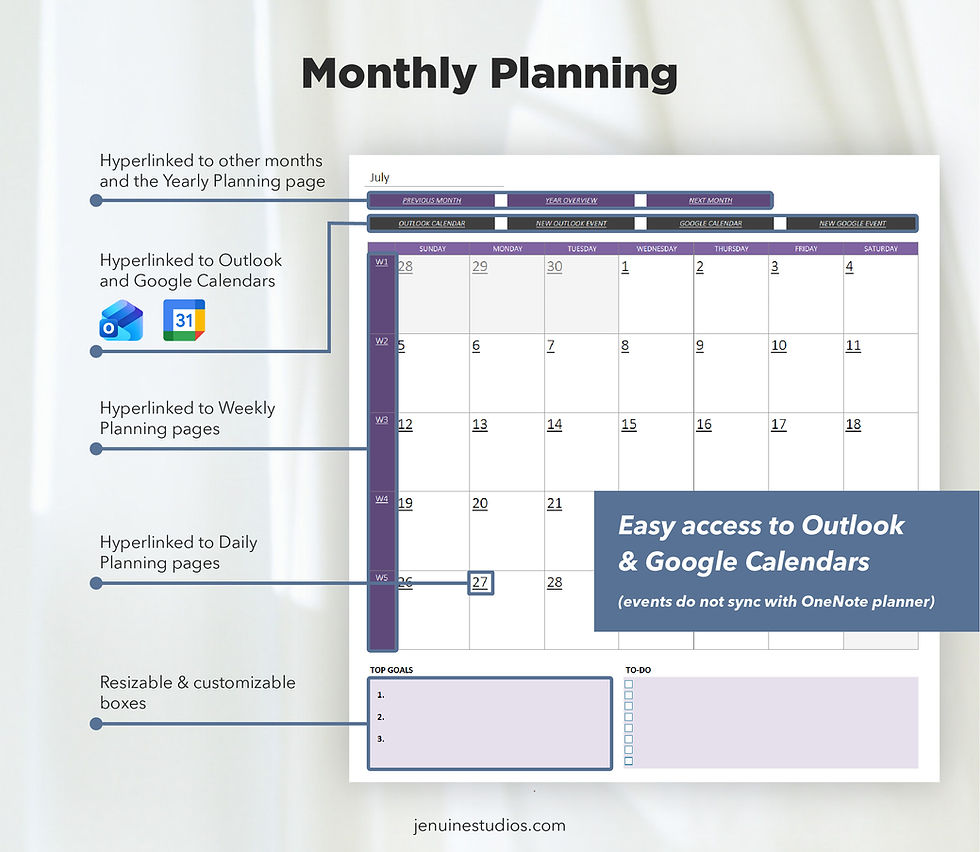
Hyperlinked undated calendar layouts for daily, weekly, monthly, and yearly planning (re-useable annually)
Sunday & Monday start versions included
30+ themed widgets
Add an unlimited number of your own pages and sections, which you can customize and rearrange
Seamless synchronization across all your devices with the OneNote app installed: Windows computer, Android tablet/phone, iPad, Macs, iPhones
200+ stickers to decorate your planner
📓 PLANNER SECTIONS
Each section has an index page to keep all pages within the section organized.
Dashboard Section
1. Dashboard Index
2. Project Outline
3. Company Projects Index
4. Team Directory
5. External Contacts Directory
6. Announcement Board
Goals Section
7. Goals Tracking Index
8. Goal Setting Template (Single)
9. Goal Setting Template (Multiple)
10. Yearly Goals Setting Template
Tasks Board Section
11. Tasks Board Index
12. Kanban Board (By Progress Status)
13. Kanban Board (By Category)
14. Kanban Board (By Priority)
15. Kanban Board (By Progress & Category)
16. Task Template (Detailed)
17. Task Template (Simple)
Project Files Section
18. Project Files Index
19. File Changelog
Brainstorming & Analysis Section
20. Brainstorming & Analysis Index
21. Project Proposal Outline
22. Product Vision Board
23. Brainstorming with Prompts
24. Reverse Brainstorming
25. SWOT Analysis (Simple)
26. SWOT Analysis (Detailed)
27. Mind Map
28. Research Template
29. Dotted Paper
30. Performance Review (General)
31. Performance Review (Detailed)
32. Post-Project Reflection
Meeting Minutes Section
33. Meeting Minutes Index
34. Meeting Minutes (Standard)
35. Meeting Minutes (Recurring Internal Meetings)
36. Meeting Minutes (Introductory Meetings)
37. Meeting Agenda
Calendar Section Group
Undated daily, weekly, monthly, and yearly calendar pages (reusable annually)
Templates & Stickers
Blank copies of all templates
Blank pre-set project pages for easy duplication
All 200+ stickers for easy access
User Guide Section
Various “Getting Started” pages for key planner sections
Collection of FAQs with tutorials and tips
⬇️ DIGITAL DOWNLOAD CONTENTS
2 x OneNote notebooks (Sunday and Monday start versions)
200+ PNG stickers useable for any digital documents, planners, etc.
Detailed PDF guide + access to a video guide showing you how to import this planner